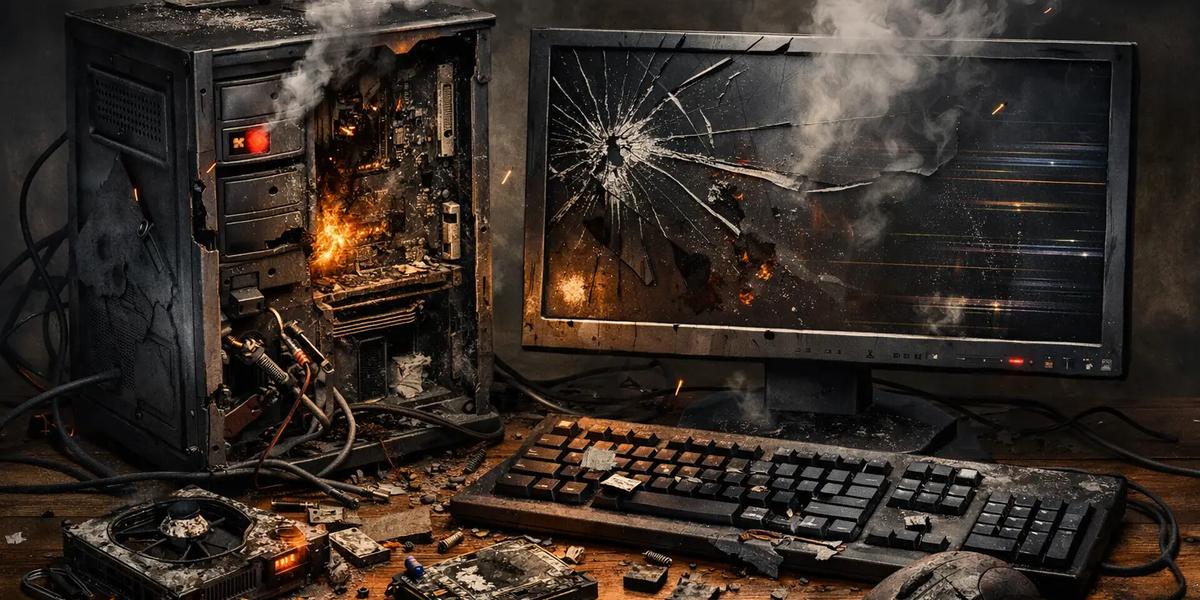
Computer as we all know is an electromechanical device, that accept data via it input devices, process it by the aid of it pre-installed program through the processor, output it via it output device. it can also save data temporarily or permanently. so as such it needs maintenance as it have become a major part of our everyday life. ranging from desktop computers, laptop computers and your mobile smart devices. these are all shades of computer devices.
There are some key indications for maintenance every user should have in mind. because if not followed properly can lead to a short life span of their computers. Dust Cleaning: Use compressed air or a soft brush to clean inside the case, keyboard, and fans every 3 to 6 months. Cable Management: Keep cables organized to prevent overheating and accidental disconnections. Check Connections: Ensure RAM, hard drives, and expansion cards are firmly seated. Cooling System: Verify fans and heat sinks are working properly; replace thermal paste on CPUs every 2 to 3 years. Peripheral Care: Clean monitors with microfiber cloths; avoid liquid sprays directly on screens.
Operating System Updates: Regularly install Windows/Linux updates for security patches. Driver Updates: Keep hardware drivers (network, graphics, etc.) up to date. Anti-virus & Security: Install anti-virus software, enable firewalls, and run regular scans. Disk Cleanup: Remove temporary files, caches, and unused programs. Defragmentation: For HDDs, run disk defragmentation for SSDs, use TRIM commands. Check Connectivity: Test LAN/Wi‑Fi connections regularly. Router Updates: Keep firmware updated to prevent vulnerabilities. Secure Access: Use strong passwords and WPA2/WPA3 encryption. Monitor Traffic: Use tools like Wireshark or built‑in OS utilities to detect unusual activity. Regular Backups: Use external drives or cloud services to back up important data weekly. Power Protection: Use UPS (Uninterruptible Power Supply) to prevent damage from power surges. Safe Usage: Avoid eating/drinking near computers; shut down properly instead of force‑powering off. Documentation: Keep a log of maintenance activities for tracking issues.
this are some of the do's to keeping your PC running health for a long time.
Thanks.